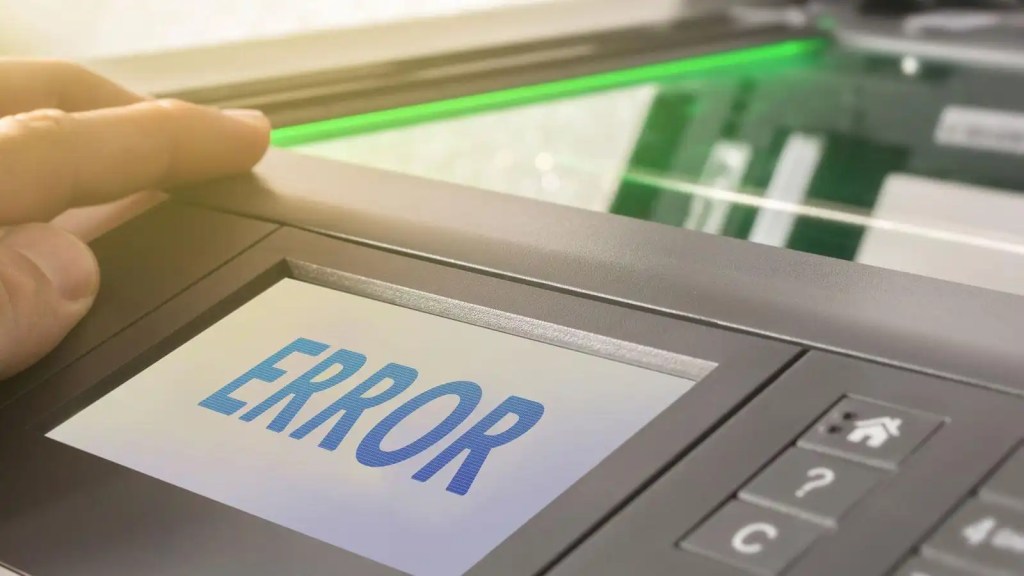
In today’s tech tales, we’re delving into the world of printing problems and how to swiftly resolve them. Here’s a concise checklist to troubleshoot most printing issues:
- Validate Printer Functionality: Start by ensuring the physical printer is up and running. If others can print successfully, the issue likely lies elsewhere.
- Driver Check: Confirm that the printer on the print server is equipped with the correct driver. For diverse client operating systems, ensure all necessary drivers are installed.
- Server Health Check:
- Ensure the print server is operational.
- Check for ample disk space allocated for spooling.
- Verify the print spool service is active.
- Client Driver Verification: Double-check that the client computer possesses the appropriate printer driver.
- Printer Readiness Test: Print a test page to confirm the printer’s readiness for operation.
- Cable Connection Inspection: Ensure the printer data cable is securely connected. For network-connected printers, monitor the network adapter’s status lights.
- Network Connectivity Test: Utilize tools like the ping command to ascertain communication with the printer over the network, especially for TCP/IP protocol.
- Print Server Accessibility: Confirm communication with the print server from other networked computers.
- Service Health Assessment: Verify the functionality of essential services required for both the printer and the client submitting the print job.
- Print Spool Service Check: Finally, ensure that the print spool service is running seamlessly on the print server.
With these steps in your troubleshooting arsenal, conquering printing woes becomes a breeze. Stay tuned for more tech tips and tales!

 Tech Tales
Leave a comment